LAMP signifie Linux Apache MariaDB (ou MySQL) Php.
Pour faire simple, c’est un serveur pour l’hébergement de site web.
- Apache va gérer les connexions et les liaisons entre les utilisateurs et le code.
- MariaDB va permettre de stocker les données dans une base.
- PHP est l’interpréteur de code permettant de rendre dynamique vos pages.
On va utiliser un serveur virtuel Debian 10 (10.5 pour moi) à jour avec les VM Tools d’installer …
Si ce n’est pas fait, installer un serveur SSH pour faire la configuration à partir de PuTTy et mettre à jour le serveur
apt update
apt upgrade
apt install openssh-server
Installation d’Apache2
root@srv-web-d11:~# apt install apache2
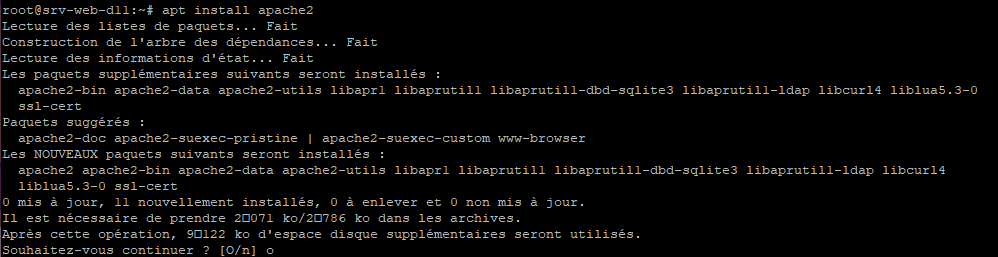
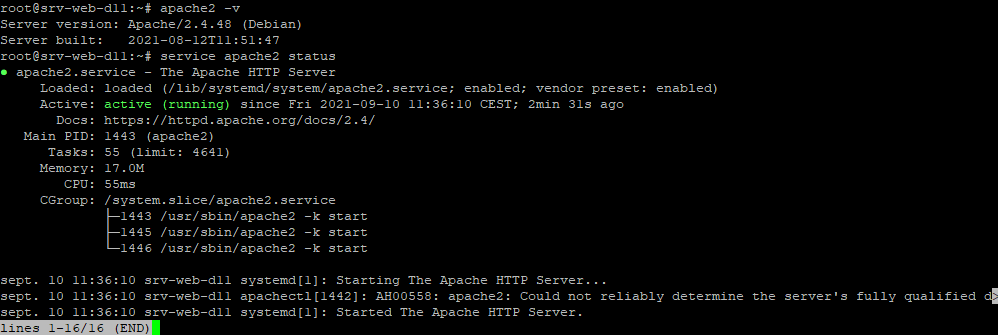
Vérification de l’installation d’Apache
root@srv-web-d11:~# apache2 -v
root@srv-web-d11:~# service apache2 status
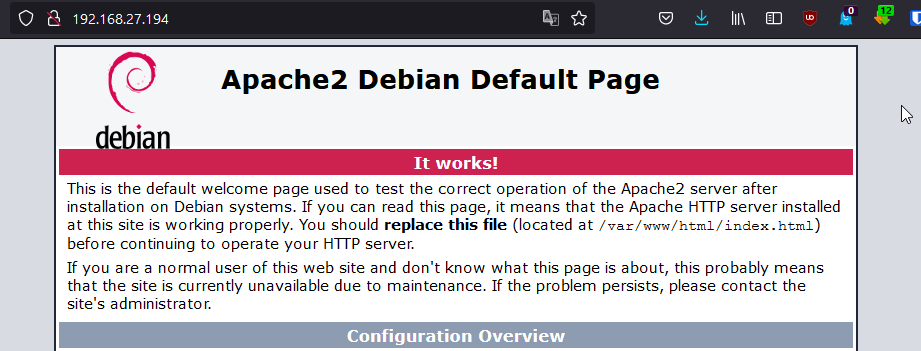
Le serveur est accessible
Installation de PHP
root@srv-web-d11:~# apt install php
Installation de MariaDB
root@srv-web-d11:~# apt install mariadb-server
Sécurisation de MariaDB
root@srv-web-d11:~# mysql_secure_installation

NOTE: RUNNING ALL PARTS OF THIS SCRIPT IS RECOMMENDED FOR ALL MariaDB
      SERVERS IN PRODUCTION USE!  PLEASE READ EACH STEP CAREFULLY!

In order to log into MariaDB to secure it, we'll need the current
password for the root user. If you've just installed MariaDB, and
haven't set the root password yet, you should just press enter here.

Enter current password for root (enter for none):
OK, successfully used password, moving on...

Setting the root password or using the unix_socket ensures that nobody
can log into the MariaDB root user without the proper authorisation.

You already have your root account protected, so you can safely answer 'n'.

Switch to unix_socket authentication [Y/n] y
Enabled successfully!
Reloading privilege tables..
 ... Success!


You already have your root account protected, so you can safely answer 'n'.

Change the root password? [Y/n] y
New password:
Re-enter new password:
Password updated successfully!
Reloading privilege tables..
 ... Success!


By default, a MariaDB installation has an anonymous user, allowing anyone
to log into MariaDB without having to have a user account created for
them.  This is intended only for testing, and to make the installation
go a bit smoother.  You should remove them before moving into a
production environment.

Remove anonymous users? [Y/n] y
 ... Success!

Normally, root should only be allowed to connect from 'localhost'.  This
ensures that someone cannot guess at the root password from the network.

Disallow root login remotely? [Y/n] y
 ... Success!

By default, MariaDB comes with a database named 'test' that anyone can
access.  This is also intended only for testing, and should be removed
before moving into a production environment.

Remove test database and access to it? [Y/n] y
 - Dropping test database...
 ... Success!
 - Removing privileges on test database...
 ... Success!

Reloading the privilege tables will ensure that all changes made so far
will take effect immediately.

Reload privilege tables now? [Y/n] y
 ... Success!

Cleaning up...

All done!  If you've completed all of the above steps, your MariaDB
installation should now be secure.

Thanks for using MariaDB!
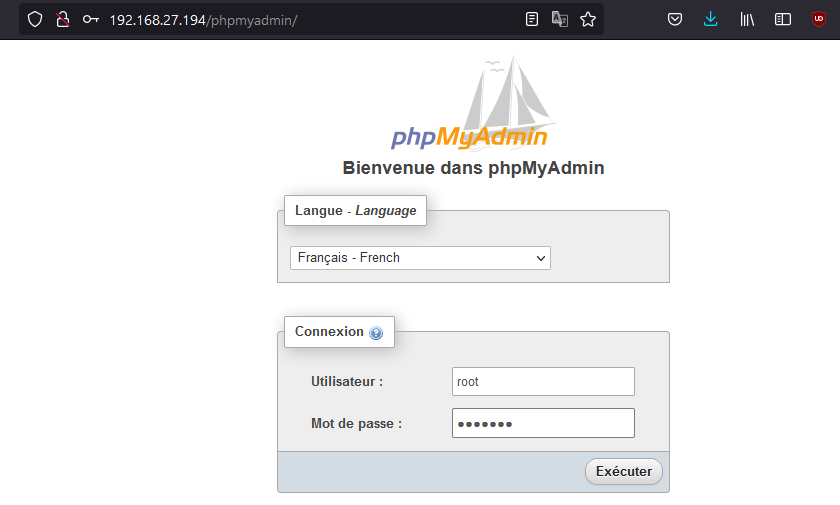
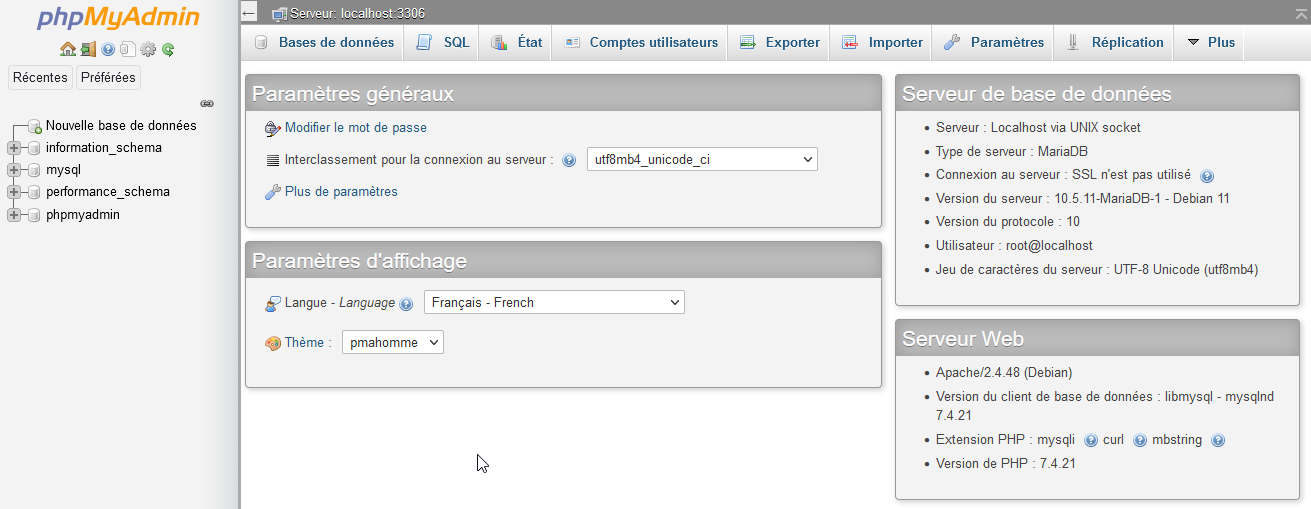
Installation PhpMyAdmin
root@srv-web-d11:~# apt-get install phpmyadmin
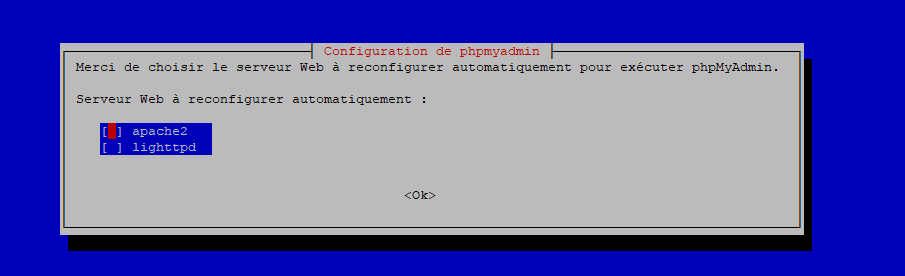
Choisir Apache2
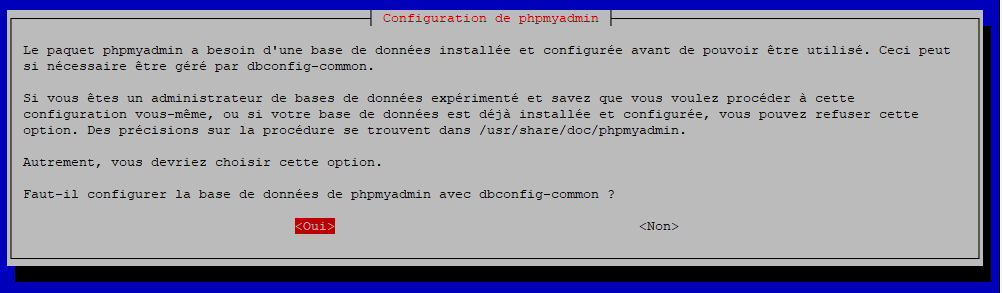
Et valider la configuration de la base de données phpmyadmin
Mettre le mot de passe administrateur de MySQL